Why this matters
Accessibility is often treated as a late visual audit. In reality, it concerns structure, keyboard operation, focus, language, contrast, error recovery and understandable content.
Many improvements benefit everyone: clear labels help screen-reader users, but also reduce mistakes for people using a mobile device, working in glare or dealing with temporary limitations.
How to do it well
Define accessible acceptance criteria
State keyboard behaviour, labels, focus order, error messaging and contrast expectations.
Use semantic structure
Choose native controls and meaningful headings before adding custom ARIA.
Test without a mouse
Complete important journeys using only the keyboard and verify visible focus.
Check assistive output
Use a screen reader for key flows and verify names, roles, states and announcements.
Automate basic checks
Run accessibility scanners in CI while recognising that they find only part of the problem.
Include people and contexts
Test zoom, small screens, motion preferences and, where possible, users with disabilities.
What to avoid
- Using colour as the only indicator of status.
- Removing focus outlines for visual reasons.
- Adding ARIA to repair an unnecessarily custom control.
- Assuming an automated score proves accessibility.
- Fixing individual pages while inaccessible shared components remain.
Practical example
A form error should identify the field, explain the problem and move or announce focus appropriately. A red border alone is not sufficient.
A native button provides keyboard and assistive behaviour by default; a clickable div requires the team to recreate it correctly.
Lesson for practice
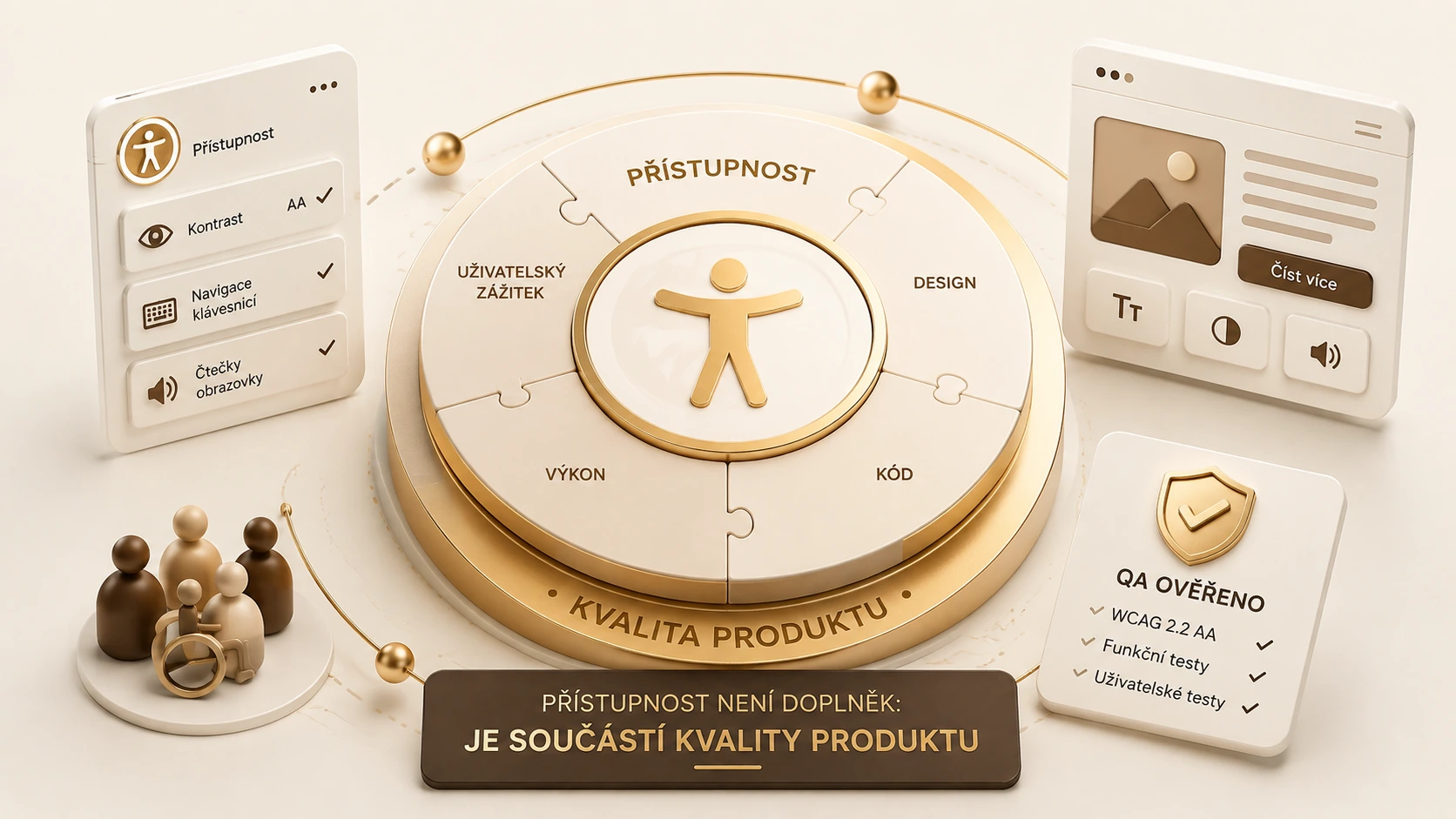
Accessibility is quality because it determines whether people can complete the task. The strongest approach combines semantic design, keyboard testing, assistive technology and automated safeguards.
A good practice does not have to be complicated. It should be intentional, repeatable and explainable: the team should understand why the control exists, what evidence it provides and how feedback will improve the next iteration.
A real example: monitoring public-sector websites in the UK
On 17 December 2024 the UK Government Digital Service published findings from monitoring 1,203 public-sector websites and 21 mobile applications between January 2022 and September 2024. Recurring issues included contrast, visible keyboard focus, keyboard operation and reflow. These are documented UK public-sector findings, not statistics about Czech banks or a legal assessment of their obligations.
The important distinction for me is between an attractive page and a task that people can complete. A form can look professional while failing to explain an invalid field or announce the outcome of submission. Accessibility is therefore also a way to uncover unclear structure and poorly communicated states that can affect a wider range of users, including people temporarily working with an unfamiliar device or without a mouse.
Hypothetical example: completing an application without a mouse
For a fictional credit application I would try the whole journey using a keyboard: open the form, enter information, select an option, understand validation errors and complete submission. I would check that the currently operated element remains visible. A sticky header or floating banner may obscure the focused button. Saying that it is technically reachable does not establish that the process is usable.
After an error I would expect an understandable explanation, a connection to the relevant field and a correction route that preserves previous work. An invalid date needs information about the permitted format or range. A generic “something went wrong” is not enough. This is a proposed test scenario, not a claim that a named bank has the defect or that one interface behaviour alone establishes overall accessibility.
How I would combine automated and manual checks
Automated tools can identify some technical issues and make checks repeatable, but cannot independently decide whether a button label is meaningful in context or a complicated failure message is understandable. I would combine automated inspection with keyboard testing and a screen-reader journey. For an important service I would also recommend involving people who use assistive technologies in their everyday lives, with a clear task and observation plan.
WCAG 2.2 provides testable criteria that can serve as a shared language for requirements and verification. The applicable version, conformance level and legal scope still need to be established for the particular product. A web standard recommendation must not be confused with a complete assessment of legal compliance. An analyst should define the condition tested and avoid making a broader conclusion than the evidence supports.
Documenting an actionable defect
I would record the user’s task, environment, steps, expected behaviour and actual result. For example, opening a dialog moves keyboard focus behind its visible content and prevents confirmation without a mouse. The record should identify the browser and assistive technology used. A generic label such as “inaccessible” is less useful than evidence that a developer can reproduce and use to verify the correction.
Severity should reflect the barrier to completing the task and the availability of an alternative. Weak contrast in a decorative element is different from an inoperable confirmation of a payment instruction. That distinction does not justify ignoring smaller defects; it supports a transparent remediation order. An alternative requiring another person’s assistance should not automatically be treated as equivalent to independent completion of the service.
Accessibility in the change process
Fixing one page will not sustain quality if the same shared component remains defective elsewhere. I would ask whether the problem originates in the instance or the reusable component. Repairing the correct layer may improve several journeys at once. Regression checks should cover states affected by the change, including enlarged text, smaller screens, error summaries and dynamically displayed information, rather than merely repeat the original successful path.
I would make acceptance criteria concrete. A requirement that “the form is accessible” leaves too much room for inconsistent interpretation. A more useful condition describes the user’s task and relevant behaviour, while linking to the agreed standard where appropriate. The evidence should show what was tested, what remains untested and which known limitations affect the result, so a polished report does not conceal a narrow test.
There is also a content responsibility. An interface may have correct technical roles while using unnecessarily complex language, unexplained abbreviations or an error message that gives no next step. I would review these with the content owner. That review complements technical criteria and usability research; it does not replace them, but it helps turn a technically exposed control into a comprehensible interaction.
Summary and recommendations
Start with an essential user task and verify it without a mouse and with suitable assistive technologies. Treat automated checks as support, not complete proof of accessibility. Make findings reproducible, fix systemic component causes and verify task completion. In specialist and banking interfaces this makes accessibility a practical part of dependable service, rather than a final visual adjustment or a claim based solely on an automated score.